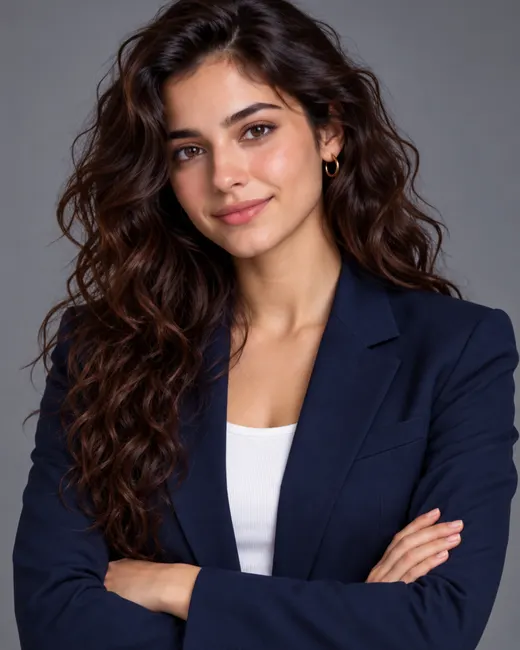
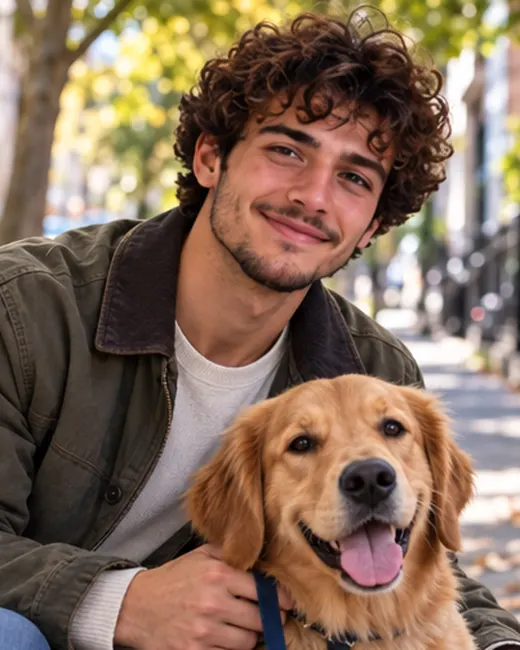
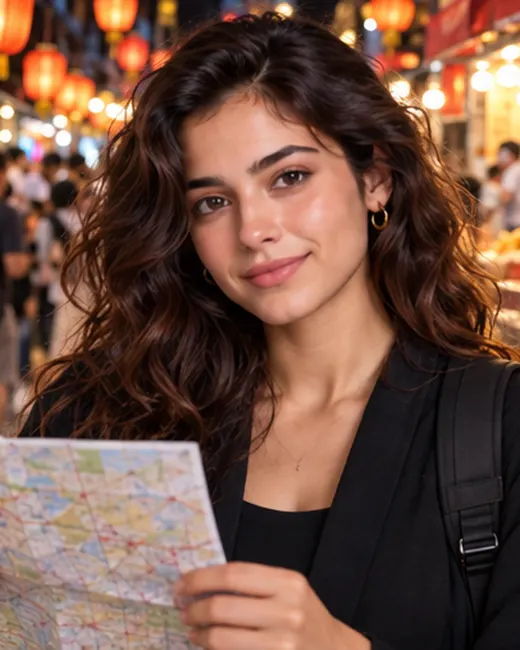
More like this: turn one photo you love into nine more
Every AI Shots album has a few photos that just work: the light's right, the outfit suits you, and it looks like you on your best day. More like this is how you get more of those.
What it does
Tap More like this on any photo in your album and AI Shots makes 9 new photos of you in that scene. Same vibe, new takes: different angles, moments and expressions, so you end up with a set instead of one lucky shot.
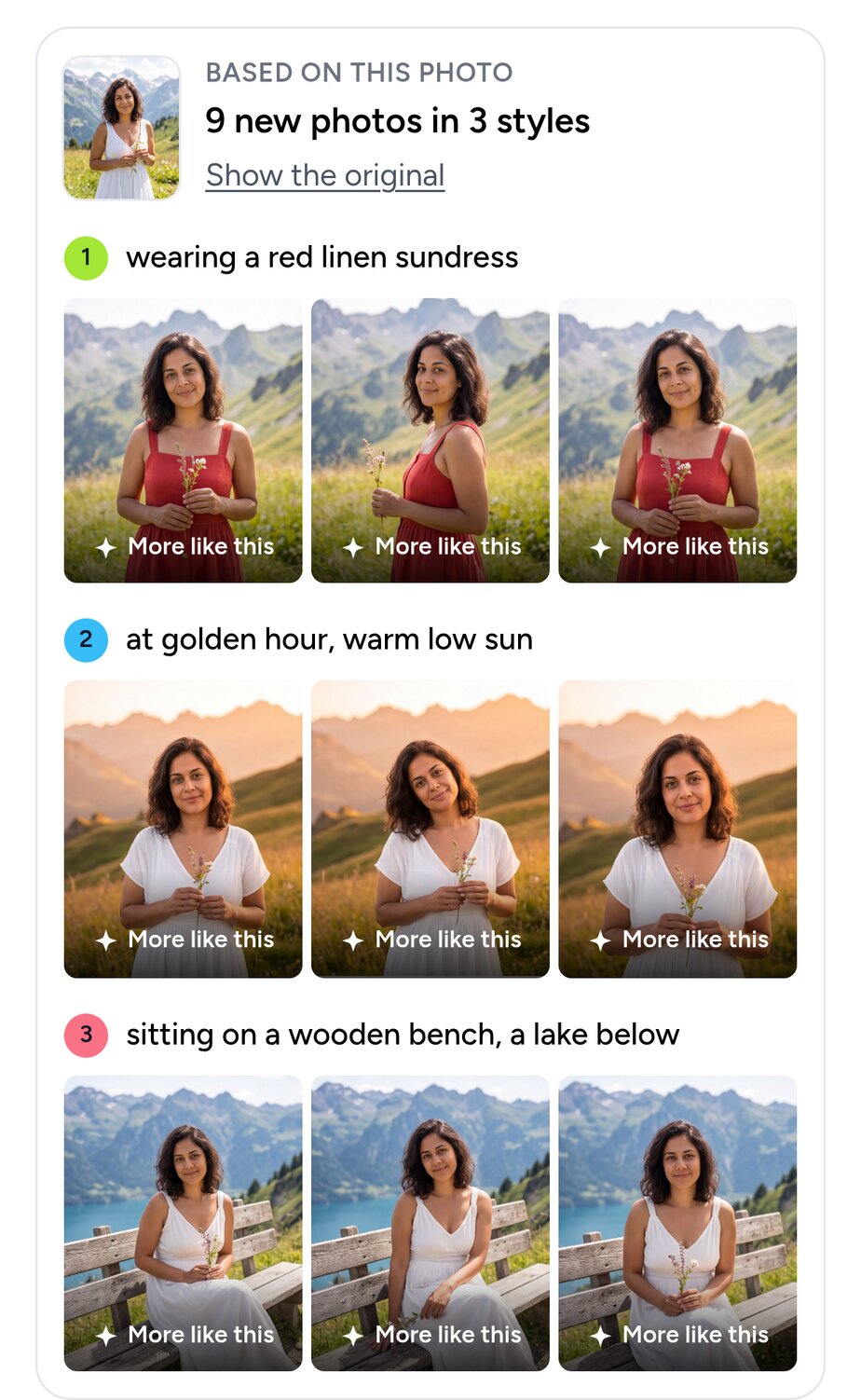
Your new photos appear above your album, one row per idea, each next to the photo it came from.
Every album comes with 3 More like this included, so that's 27 extra photos of the scenes you like most. Want more? 10 more are $4.99.
Three ways to use it
1. As it is
Love the photo exactly as it is? Just make it. You get 9 more in the same scene. This is the best way to turn one great dating photo into a few that look like they're from the same day.
2. Pick a twist
Each photo comes with a few suggested ideas: a different outfit, different light, or a new place, framing or pose. Tap one to pick it.
The highlighted words in an idea can be spun. Tap "a navy blazer" and it might become "a cream knit sweater". Tap "golden hour" and it becomes something else. Keep tapping until it reads right, or hit the dice to shuffle all of them at once.
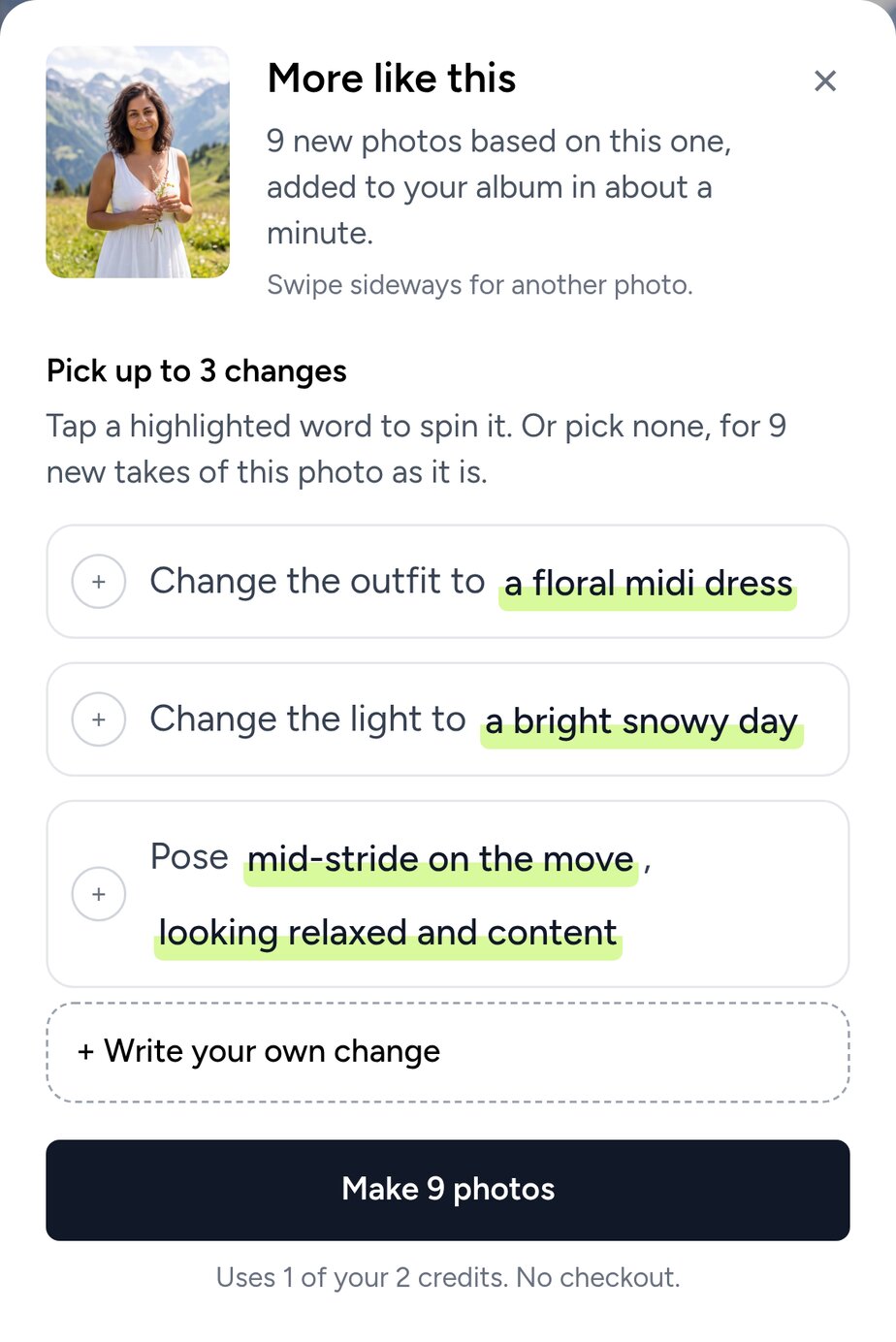
3. Say what you want
Type your own idea instead, in plain words: "the same, but on a rooftop at night", "wearing a black turtleneck", "closer, head and shoulders". Short and specific works best.
Split one go between ideas
You don't have to put all 9 photos into one idea. One More like this can be shared between up to three: say, 3 as it is, 3 in a different outfit, and 3 somewhere new. A little stack of photos next to each idea shows how many of the 9 it gets.
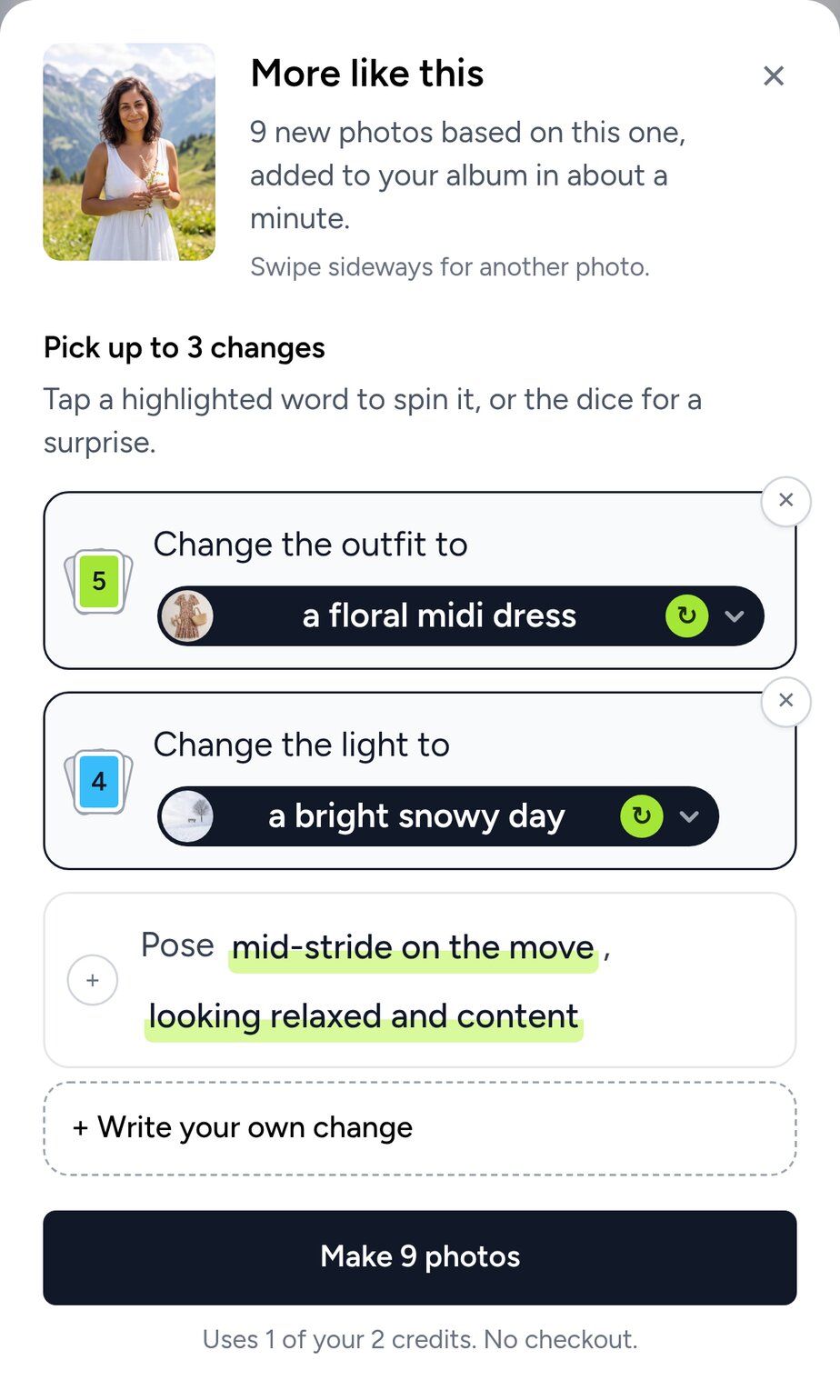
It's the cheapest way to try a few directions before you spend a whole go on the one you like. Here's a set split three ways, as it shows up in the album:
Tips for great results
- Start from your best photos. More like this keeps the scene, so start from a photo where you already look like you.
- Change one thing at a time. "Different outfit" and "different place" in one idea can drift. Split them into two ideas instead.
- Think about where the photo's going. For LinkedIn, ask for head and shoulders and a plain background. For a dating profile, go for variety: one close-up, one full-length, one doing something.
- Expect a few misses. These are AI photos and not every one will land. Out of 9, keep the ones that are unmistakably you.
Where to find it
Open your album and tap any photo. More like this is right there in the viewer. No album yet? Add three photos and you'll have one in a couple of minutes.